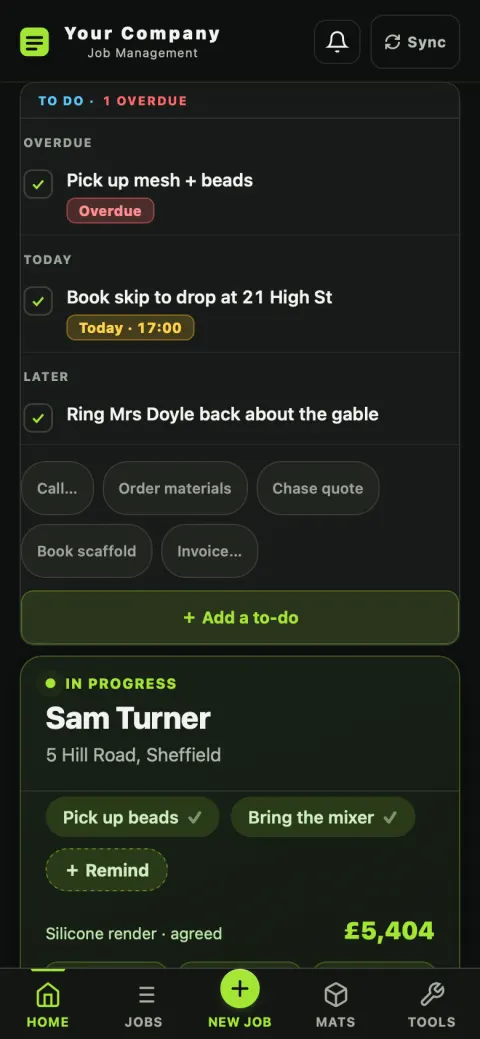
Most of the stress in a one-van business isn't the plastering. It's the eleven half-remembered things: whose quote is still unanswered, when the scaffold's coming, whether that job in March made anything. All of it is on two screens.

Nothing gets dumped into this list automatically. It holds what you put in it, grouped by when it's due — Overdue, Today, This week, Later — with anything overdue counted at the top so it can't hide.
Below the list is the job you're actually on: big, with its own reminders as chips, the agreed value, and the buttons for adding a day, adding materials, or opening Maps.
The Jobs screen is a schedule: what you're on now, what starts next week, what's pencilled in for the month. Not an alphabetical list you have to interpret.
Each job carries a status — enquiry, quoted, booked, in progress, invoiced, paid — colour-coded so a glance down the list tells you where your money is. Statuses move themselves as you work: quote a job and it's quoted, they accept and it books, the start date arrives and it goes in progress.
Not at year-end, when it's too late to do anything about it.
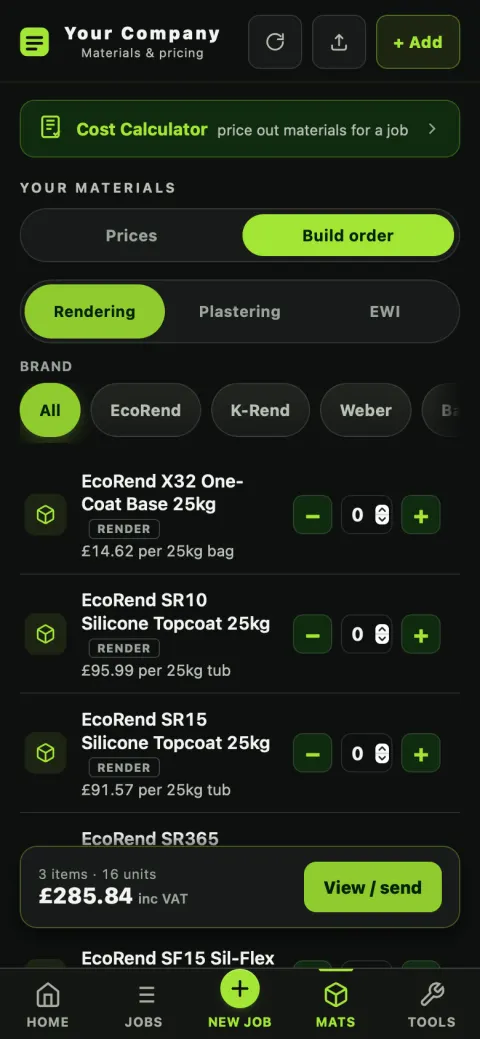
Three buttons on the job: + Day for a day on site, + Materials for what you've bought, + Other for the skip, the scaffold, the hire. The job's profit so far — the agreed value minus what's gone out — updates as you tap.
It's a running figure, so by the time you invoice, you already know what the job made. If it's going the wrong way you find out in week one, not in April.

The Money view totals what's actually been paid against what you're still owed, so chasing is a list you work through.
Every quote and invoice filed under the customer and inside the financial year. Your accountant gets a folder.
Accepted extra works add to the job's value, so a job that grew is measured against what it actually became — not against the original quote.
Backup / Export writes every job and every price out to a file. It's your data; there's no hostage-taking. Import puts it back, adding rather than deleting.
The feature nobody asks about in a demo and everybody notices once. A job is somebody's house and somebody's money, so the app treats a failed save as an emergency rather than a shrug.
Half the properties you go to have one bar in the back bedroom. The app runs from its own storage on the device and syncs when you're back in coverage — you're never sat waiting on a spinner in someone's hallway.
It retries, it shows you in red if it still can't, and it checks itself against the cloud copy every time the app opens. It will never quietly bin your customer's data, and it never auto-deletes a job.
Phone, Mac and web on one account. Edit the same job in two places and the merge is per-field, so one device can't wipe the other's work — and a job you deleted stays deleted.
Every row is tied to your account at the database level. Nobody else using PlasterFlow can see your jobs, your customers or your prices. Privacy policy →
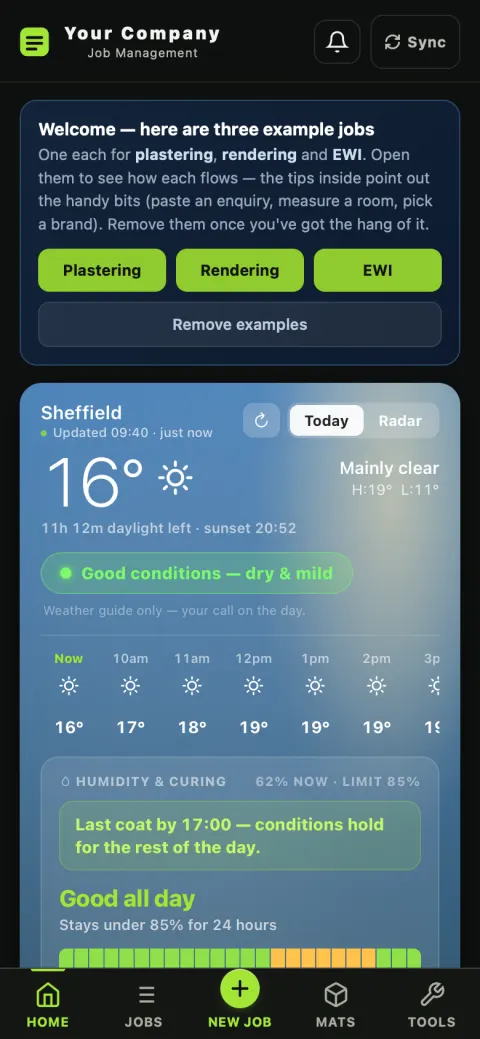
It starts with a plastering job, a rendering job and an EWI job already in it, so you can see a finished one before you risk a real one. One tap removes them.
14 days free, no card — and your data is yours, in or out.