PlasterFlow  /  How it works  /  Quotes & invoices

The quote is already written. You're just sending it.

Nobody wins work because they enjoy paperwork. In PlasterFlow the quote is a mirror of the site visit — the scope, the works and the total are already in it — so the job goes from “I'll get you a price” to a proper document in about a minute, on the drive outside their house.

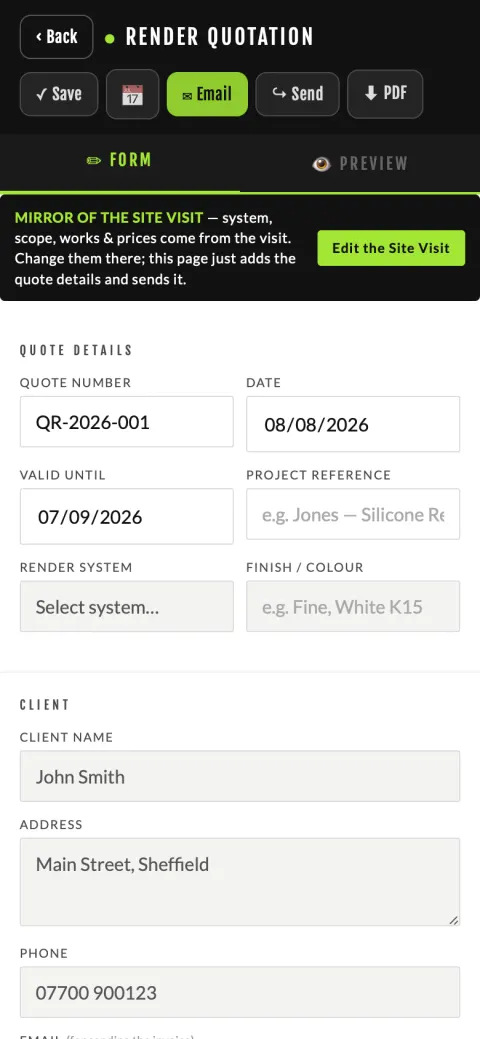
The PlasterFlow quote screen, showing that the scope and price are a mirror of the site visit
Quote — form on one tab, the customer's sheet on the other
The quote

What you fill in, and what's filled in for you

Already there from the visit: the customer and their address, the render system or the room-by-room methods, the full scope of works, the areas, the materials and the total.

What you add: a quote number, the date, how long it's valid for, and a project reference if you use them. That's it.

The screen has two tabs — the form and the preview. The preview is not an approximation; it is the exact sheet the customer receives, on your chosen style with your logo on it, so you never send something you haven't looked at.

If a price needs changing, change it on the visit. The quote deliberately doesn't let you quietly edit the scope out from under the visit — that's how you end up on site building something different from what you priced.
Getting it to them

Send it however that customer talks to you

Some want an email. Most want a WhatsApp. The app doesn't have an opinion about it.

WhatsApp or text

Goes out through the phone's own share sheet, so the PDF travels with the message rather than a link they have to find. Pick the contact you already have.

Email

PDF attached, with Accept and Decline buttons in the email itself. Their email address is remembered on the job, so the invoice later goes to the same place without you looking it up.

PDF

Save it down for your own file or print it. Same document, same styling.

They tap Accept — and the job moves

The customer opens it on their phone and answers with one tap. You're told either way, and an accepted quote moves the job on and books itself in against the date the visit already agreed.

If they say yes on the phone instead, there's a button for that too — “Customer said yes — mark agreed”.

Two prices for the same job

Save & another quote raises a second quote off the same visit — the cheaper system, the back of the house as well, a phased version. The first quote stays exactly as it was, and both live on the job.

The job grew after they'd agreed

Extra works raises a separate price on top of the accepted quote. The figure they agreed does not move — the extra is its own document they can accept or refuse, and once accepted it counts towards the job's value.

Your paperwork

Six styles, your accent colour, your logo

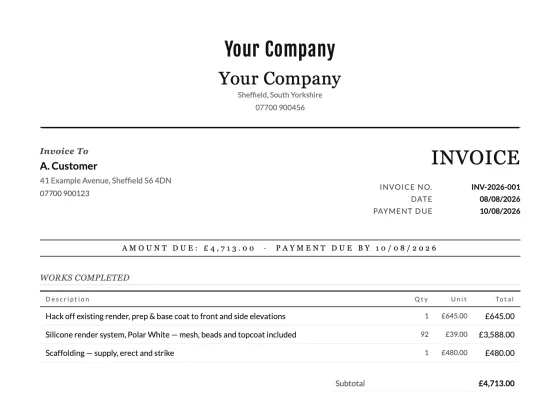
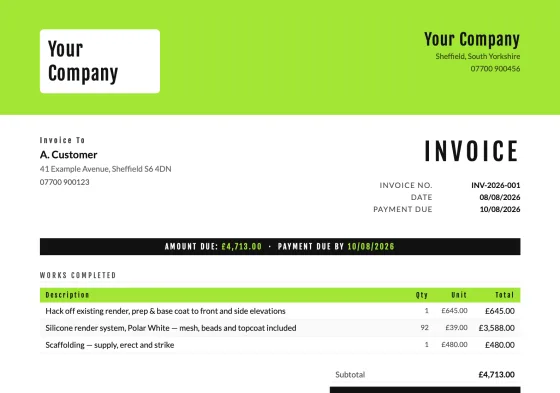
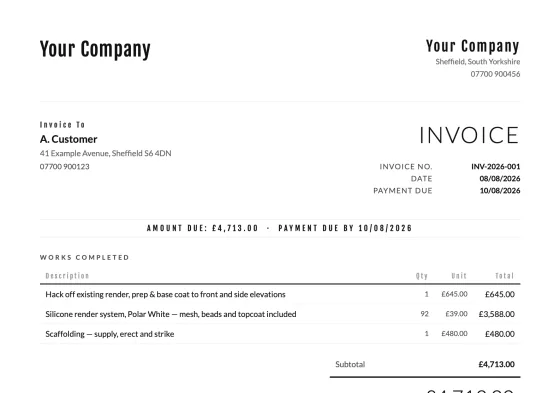
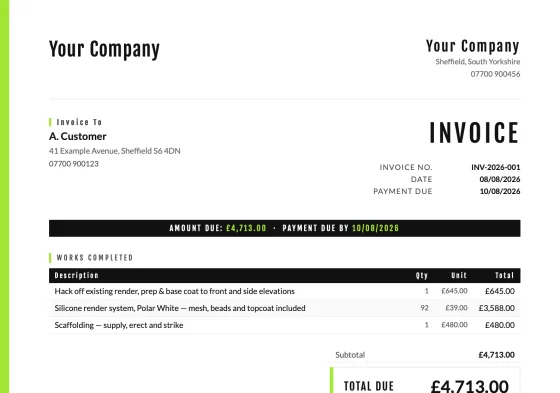
Pick once in Business Details → Document style, preview each one on a real invoice, and every quote and invoice from then on comes out looking the same.

Classic document style
Classic
Letterhead document style
Letterhead
Bold document style
Bold
Minimal document style
Minimal
Accent document style
Accent
Modern document style
Modern

Your logo, and the system's

Your logo sits at the top. Where the job is on a named render system, the manufacturer's logo goes on the quote and the invoice too — it tells the customer you're fitting a real system, not “some render”.

Sized for paper, not for screens

The documents are laid out at true A4 with 9pt body text, because they get printed and filed. The PDF is the same document, not a screenshot of one.

Your selling points, every time

Your guarantee wording and your “why choose us” points are added to the end of the scope automatically — set once, on every quote after that.

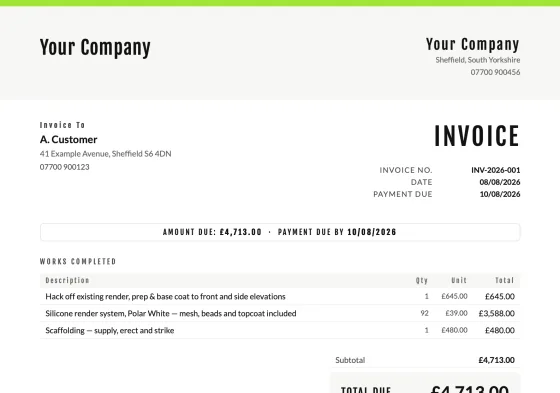
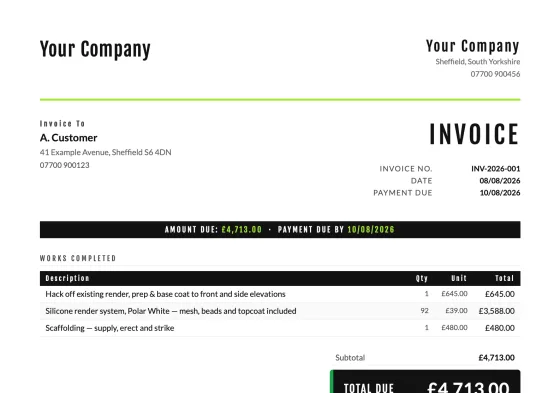
A PlasterFlow invoice with the works summary and totals carried from the accepted quote
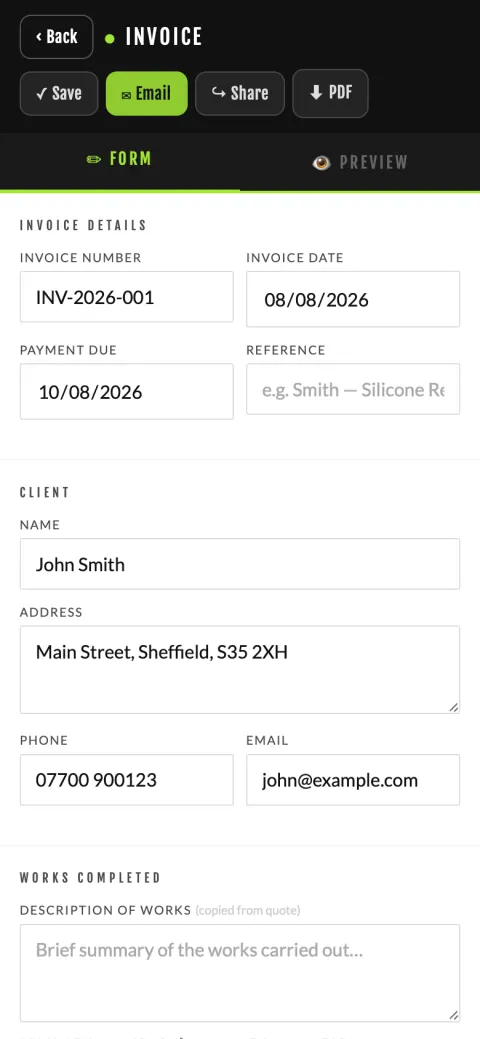
Invoice — off the accepted quote
The invoice

The invoice is the job's final word

Tap Invoice and the works summary and the totals come off the accepted quote — short and readable, not the whole ten-paragraph spec again. Your bank details and payment terms are already on it.

  • VAT, your way. Registered or not, and at your rate — the VAT lines appear or they don't. Once an invoice is raised its VAT treatment is locked, so an old invoice doesn't silently change if you register later.
  • Terms and conditions on the back — eleven clauses covering payment, variations, access, guarantee, liability and insurance, written brand-neutral so they read as your terms. The manufacturer warranty clause defers to the system maker's own, which is what it actually does.
  • Limited company disclosures. If you trade through a limited company, its registered name, company number and registered office print at the foot — the Companies Act requires them on business documents. Sole traders leave the fields blank and nothing appears.
  • Extras go here. The skip, the extra day, the bit they added on the Friday — they belong on the invoice, not retro-fitted into the visit.

Send it the same four ways as the quote. When the money lands, move the job's status to Paid.

Afterwards

Everything you sent, still where you left it

Filed by customer and year

Tools → Records keeps every quote and invoice under the customer and inside the financial year. Your accountant gets a folder, not a shoebox.

Paid against outstanding

The Money view totals what's actually been paid against what you're still waiting on, so chasing is a list rather than a feeling. Jobs & money →

Ask for the review

Ask for Review drafts the message with your Google review link in it while they're still pleased with you — and nudges the wording towards the service and the area, which is what helps you show up locally.

Send one and see

14 days free, no card. Raise a quote on a real job and look at the preview — that's the bit that tells you whether this is for you.